# Backup system for October CMS
- [Overview](#introduction)
- [Requirements](#requirements)
- [Features](#features)
- [Usage](#usage)
- [Storage](#storage)
- [Dumping the database](#dumping-db)
## Introduction
This plugin let you create backups of your files and databases. It uses the amazing laravel package [spatie/laravel-backup](https://github.com/spatie/laravel-backup).
## Requirements
This backup package requires **PHP 7.1 or higher** with the [ZIP module](http://php.net/manual/en/book.zip.php) and **Laravel 5.5 or higher**. It's not compatible with Windows servers.
The plugin needs free disk space where it can create backups. Ensure that you have **at least** as much free space as the total size of the files you want to backup.
Make sure `mysqldump` is installed on your system if you want to backup MySQL databases.
Make sure `pg_dump` is installed on your system if you want to backup PostgreSQL databases.
Make sure `mongodump` is installed on your system if you want to backup Mongo databases.
## Features
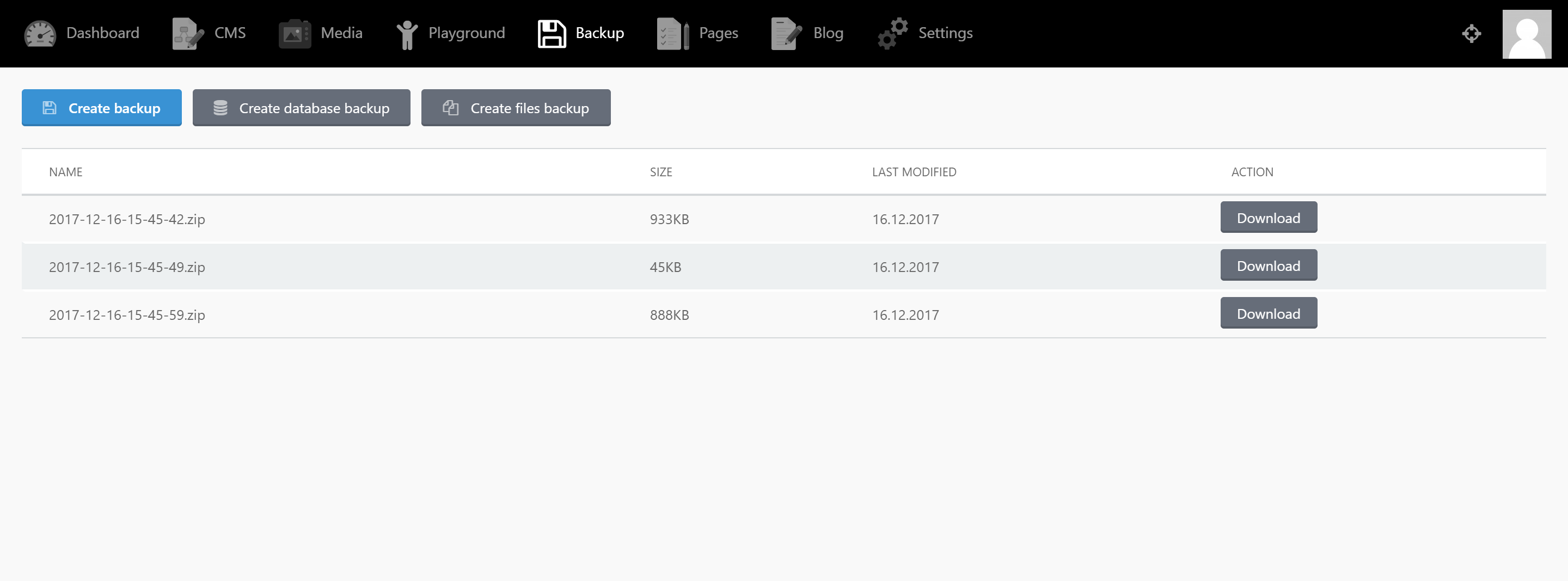
- With just a click you can:
- Create backups of the whole application.
- Create backups of the database only.
- Create backups of the files only.
- Currently support local and dropbox storage driver.
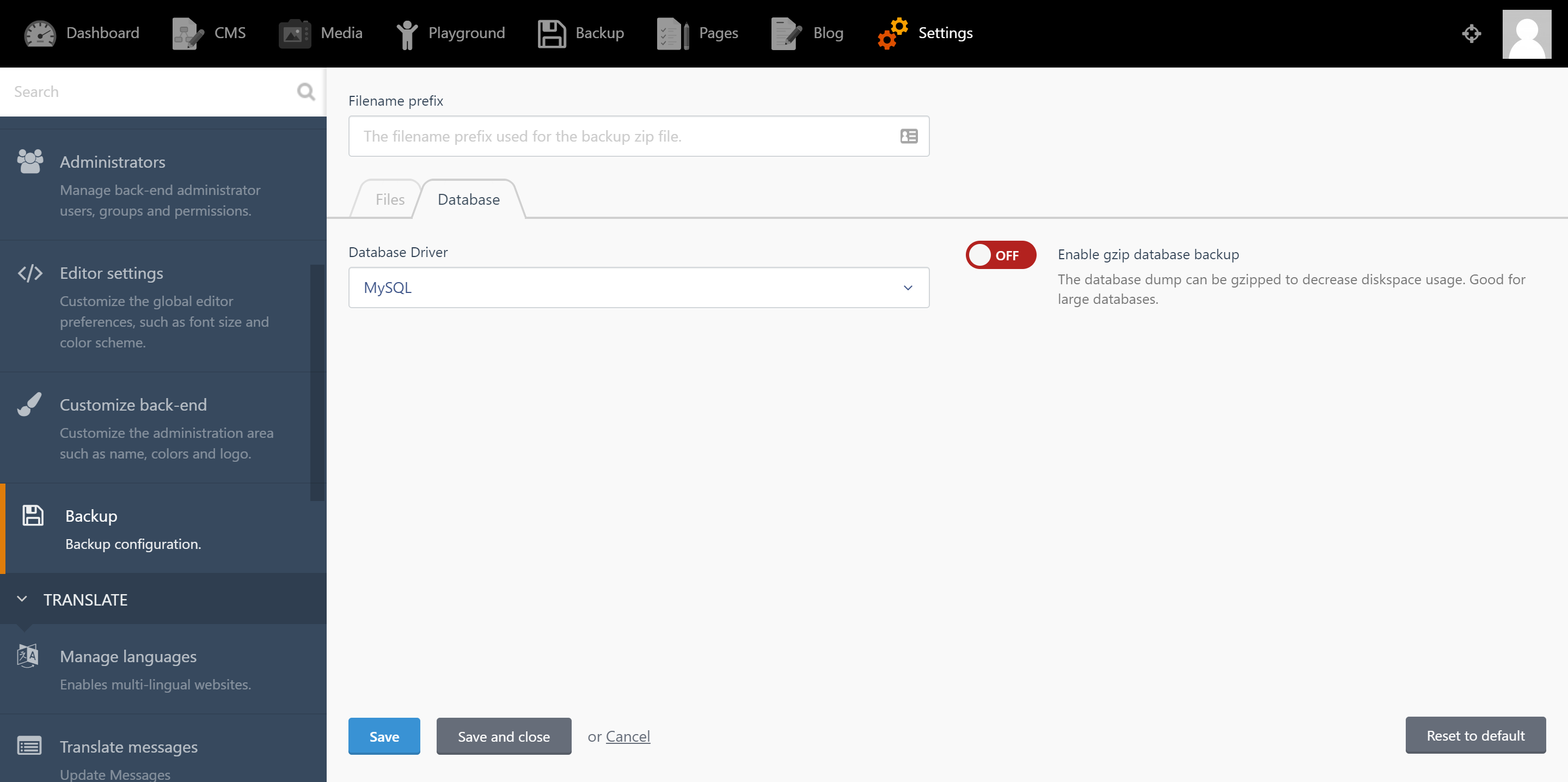
- Support various Database Driver (MySQL, PostgreSQL, SQLite and Mongo).
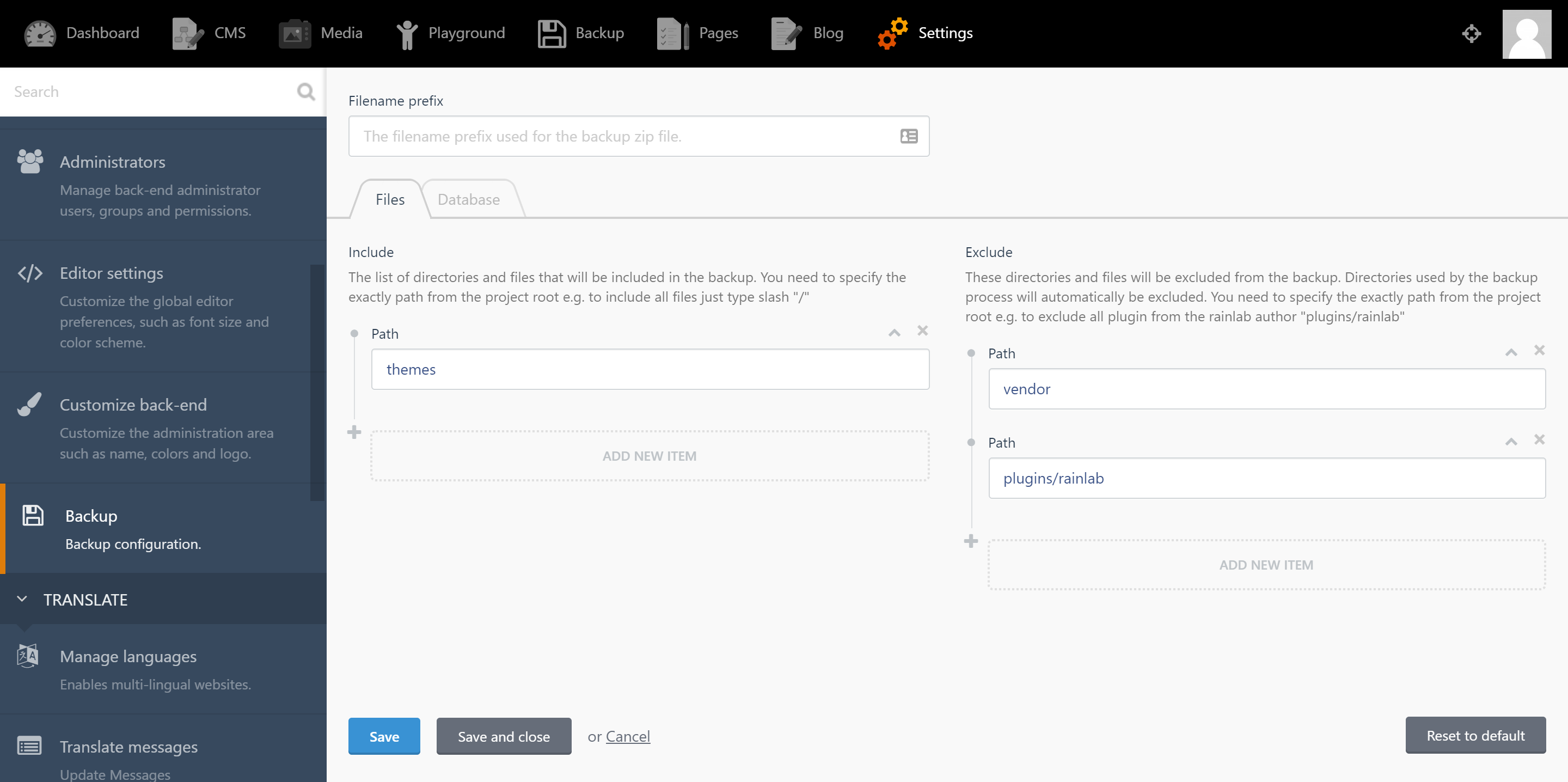
- You can easily include and exclude some files using the UI.
- Support gzip to reduce the database size.
## Usage
1. To configure the backup system, from backend navigate to `Settings > System > Backup`.
2. To create your first backup, from backend navigate to the backup section from the top main menu. From there you can create and download your backups by click the buttons.
## Storage
##### Dropbox usage
The first thing you need to do is get an authorization token at Dropbox. A token can be generated in the [App Console](https://www.dropbox.com/developers/apps) for any Dropbox API app. You'll find more info at [the Dropbox Developer Blog](https://blogs.dropbox.com/developers/2014/05/generate-an-access-token-for-your-own-account/).
Then add to the `config/filesystems.php` file the followed array with your token and app name:
```php
'disks' => [
...
'dropbox' => [
'driver' => 'dropbox',
'app' => 'app-name',
'authorizationToken' => 'generated-access-token',
]
]
```
Be sure that you select `Dropbox` option from settings.
##### Webdav usage
Then add to the `config/filesystems.php` file the followed array with your token and app name:
```php
'disks' => [
...
'webdav' => [
'driver' => 'webdav',
'baseUri' => 'YOUR_WEBDAV_DOMAIN',
'path_prefix' => '/remote.php/dav/files/USERNAME/', //for nextcloud
'path_alias' => '',
'userName' => 'USER',
'password' => 'PASSWORD',
],
]
```
Be sure that you select `Webdav` option from settings.
## Dumping the database
`mysqldump` and `pg_dump` are used to dump the database. If they are not installed in a default location, you can add a key named `dump.dump_binary_path` in October's own `database.php` config file. **Only fill in the path to the binary**. Do not include the name of the binary itself.
If your database dump takes a long time, you might exceed the default timeout of 60 seconds. You can set a higher (or lower) limit by providing a `dump.timeout` config key which specifies, in seconds, how long the command may run.
Here's an example for MySQL:
```php
//config/database.php
'connections' => [
'mysql' => [
'driver' => 'mysql'
...,
'dump' => [
'dump_binary_path' => '/path/to/the/binary', // only the path, so without `mysqldump` or `pg_dump`
'use_single_transaction',
'timeout' => 60 * 5, // 5 minute timeout
'exclude_tables' => ['table1', 'table2'],
'add_extra_option' => '--optionname=optionvalue',
]
],
```
Also you can create backups from the command line using `Artisan`.